Cat PNG Transparent Background: Whiskers Editing Guide for Designers
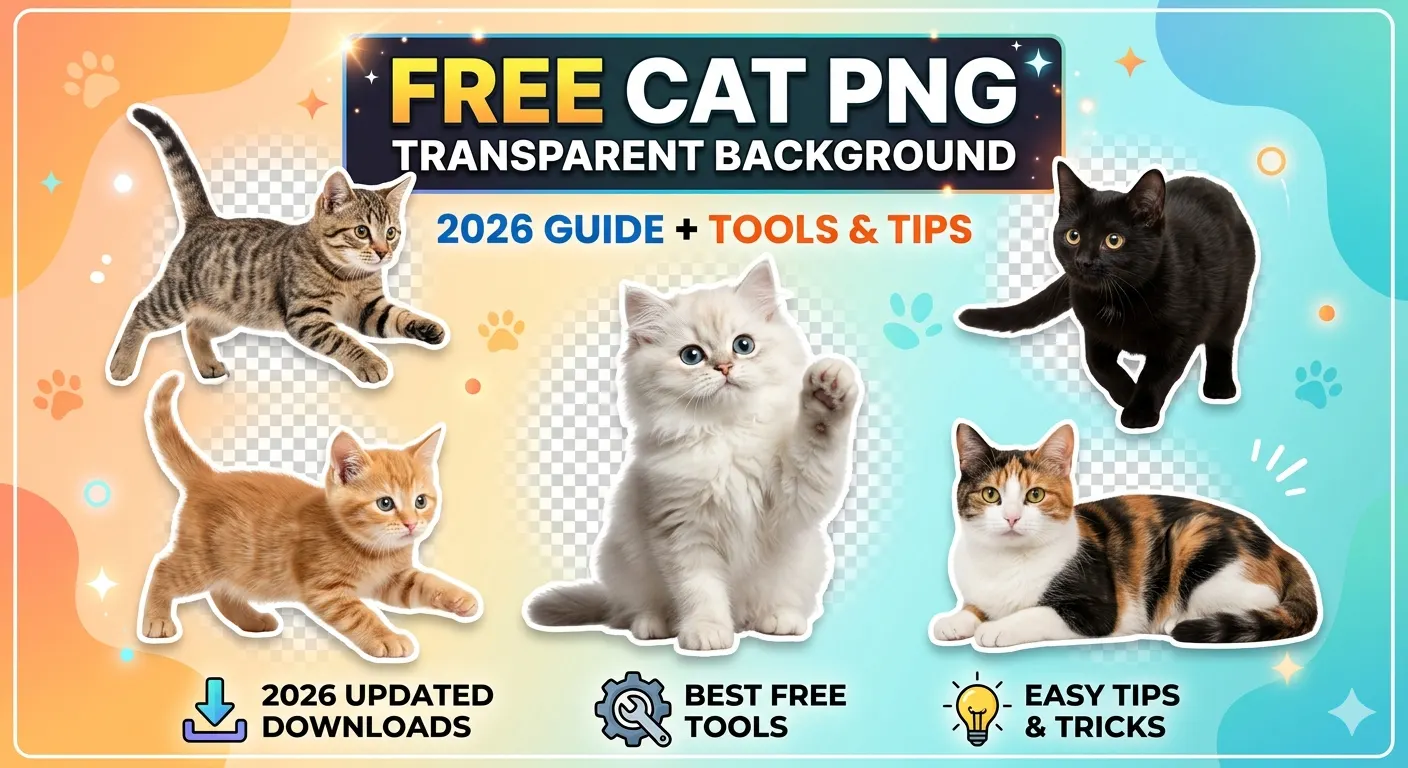
Creating a clean cat PNG transparent background is easy—until you reach the whiskers. These ultra-fine details separate amateur edits from professional-grade composites. Whether you're designing a realistic pet ad, crafting a meme, or building AI-generated cat assets, mastering cat whiskers transparent background techniques is essential.
Why Whiskers Matter in Cat PNG Editing
Whiskers are not just tiny hairs—they are high-contrast, semi-transparent elements that interact with light in complex ways. Poor background removal often results in jagged edges, missing strands, or unnatural halos. This is why high-quality cat png no background assets must preserve every strand with precision.
In professional workflows, whiskers act as a visual anchor. If they look fake, the entire image feels artificial. This is especially critical for cat clipart png, product mockups, and marketing visuals.
The Challenge of Feline Hair Isolation
In 2026, most automatic tools still struggle with sub-pixel details. Standard background removal often deletes whiskers entirely or blends them into the background. To achieve a true cat transparent background, designers now rely on:
- Alpha-channel masking for precision control
- Refine edge tools for soft transitions
- AI-powered background removal for initial extraction
SEO Tip for Designers:
When searching for high-quality assets, use terms like "unmultiplied PNG" or "cat png transparent background HD" to avoid white or black edge fringing.
Step-by-Step: How to Extract Cat Whiskers Perfectly
- Start with a high-resolution image: Low-quality images lose whisker detail instantly.
- Use AI tools first: Remove most of the background using AI for speed.
- Switch to manual masking: Refine whiskers using a soft brush on layer masks.
- Zoom to 300–500%: Precision editing is impossible at normal zoom.
- Adjust contrast: Increase contrast temporarily to reveal hidden whiskers.
- Export as PNG: Always save as cat cutout png with transparency enabled.
Best Tools for Cat PNG Background Removal (2026)
Here are the most effective tools for creating cat image png files with perfect whiskers:
- Photoshop: Best for manual precision and alpha masking
- Remove.bg: Fast AI-based background removal
- Canva: Beginner-friendly with decent edge refinement
- Runway ML: Advanced AI segmentation for complex images
AI-Generated Cat PNG: The Future of Design
AI is transforming how designers create cat illustration png assets. Instead of extracting whiskers, you can now generate fully transparent cats using AI tools trained on high-resolution datasets.
However, AI still struggles with ultra-fine details like whiskers. Hybrid workflows—combining AI generation with manual refinement—produce the best results.
Where to Use Cat PNG Transparent Background Images
- Graphic Design: Posters, ads, and branding assets
- Content Creation: YouTube thumbnails and social media posts
- E-commerce: Product mockups and pet merchandise
- Game Development: 2D sprites and character assets
- Stickers: Digital and printable cat sticker png
Common Mistakes to Avoid
- Over-smoothing edges (kills realism)
- Ignoring color fringing around whiskers
- Using low-resolution images
- Exporting in JPG instead of PNG
Final Thoughts
Mastering cat png transparent background editing—especially whiskers—is a skill that separates good designers from great ones. With the right tools, techniques, and attention to detail, you can create assets that look truly professional and stand out in any project.